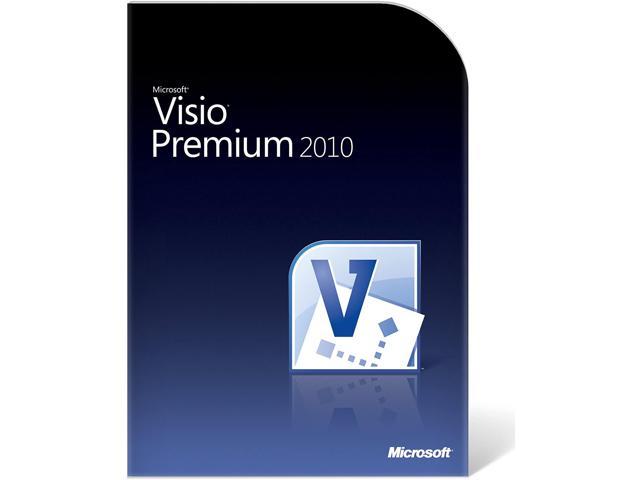

Microsoft Visio Standard 2013 Product Key Card (no media) – 1 PC
SKU: 9SIA26DFC63967Thương hiệu: KHAC
Còn hàng· Giao hàng sau 3 ngày
3.687.255 ₫
Giá chưa gồm VAT 8% · Đã gồm VAT: 3.982.235 ₫ / sản phẩm
Điện ước tính: 86 kWh/tháng · ~280.800 ₫/thángTính TCO chi tiết
Tạm tính: 3.687.255 ₫
Bảo hành 0 tháng
Chính hãng
Giao sau 3 ngày
Toàn quốc
Hỗ trợ kỹ thuật
24/7 qua hotline
Hoá đơn VAT
Đầy đủ, đúng hạn
Mua càng nhiều, giá càng tốt
| Số lượng | Đơn giá | Tiết kiệm |
|---|---|---|
| 1–2 máy | 3.687.255 ₫ | — |
| 3–9 máy | 3.576.637 ₫ | −3% |
| từ 10 máy | 3.466.020 ₫ | −6% |
Giá trên chưa gồm VAT. Đơn từ 20 máy trở lên hoặc kèm dịch vụ triển khai, gọi 1900 636 106 để có mức riêng.
Máy lắp vừa linh kiện này
tham khảo theo thông số trên tên hàngMô tả sản phẩm
Visio Standard 2013 is designed for individuals who are looking for a powerful diagraming platform with a rich set of built-in stencils. It helps users to simplify complex information through simple, easy-to-understand diagrams. Visio Standard includes stencils for business and engineering diagrams, organization charts, basic flowcharts, and general multi-purpose diagrams.
Learn more about the Visio Standard 2013 Product Key Card (no media) – 1 PC
| Brand | Microsoft |
|---|---|
| Model | D86-04736 |
| Type | Office Suite |
| Name | Visio Standard 2013 Product Key Card (no media) – 1 PC |
|---|---|
| Version Version | 1 Device |
| Operating Systems Supported Operating Systems Supported | Windows |
| Packaging Packaging | Retail |
| System Requirements | Computer and processor: 1 GHz or faster x86 or 64-bit processor with SSE2 instruction set
Memory: 1 GB RAM (32-bit) or 2 GB RAM (64-bit) Hard disk: 2.0 GB of available disk space Display: 1366 x 768 resolution Operating system: Windows 7, Windows 8, Windows Server 2008R2 or Windows Server 2012 with .Net 3.5 or greater Graphics: Graphics hardware acceleration requires a DirectX10 graphics card Other: Microsoft Office 365 account and tenant required for Visio Pro for Office 365 Preview Touch features require a touch enabled Windows 7 or Windows 8 PC Certain functionality requires internet connectivity Other requirements: Microsoft SharePoint Server 2010 or later, Microsoft SharePoint Online or Microsoft SkyDrive required for coauthoring. SharePoint Server 2010, SharePoint Online or SharePoint Server 2013 Preview required for viewing Visio Services diagrams through a web browser. Compatible Browsers are IE 8,9,10, Firefox 10.x+,Safari 5 (Mac), Chrome 17.x. SharePoint Designer 2013 Preview will improve workflow creation and publishing if installed on the same PC as Visio 2013 Professional Preview. SharePoint Server 2013 Preview or SharePoint Online Preview required to view new file format diagrams through a web browser. Lync required for presence notification. |
| Option | 1 Device |
| Feature | Simplify complex information by creating professional diagrams in just a few clicks. – Features designed to make it easier to create diagrams – including quicker access to frequently used tools, new and updated shapes and stencils, and improved and expanded themes and effects. – Tools to make teamwork simpler, such as the ability to work together on the same diagram at the same time and improved commenting – in both Visio and Visio Services. – Improved touch support, including for Windows 8 and Visio Services in the new Microsoft SharePoint. – Options to make your diagrams more dynamic by linking shapes to real-time data, with an expanded set of supported sources. – The ability to share your diagrams with others through a browser through Microsoft Office 365 or SharePoint. – Support for updated diagramming standards, including Unified Modeling Language 2.4, Business Process Model and Notation 2.0, and Windows Workflow Foundation 4.0. Create professional diagrams quickly: Create engaging diagrams in just a few clicks with updated shapes and new formatting options and tools. Work together on diagrams with your team: Collaborate on diagrams with new teamwork features. Link diagrams to dynamic data: Use the shapes in your diagram to make real-time data understandable at a glance. Use a powerful diagramming platform: Get an extensible and flexible platform for creating diagrams and solutions that fit your business. |
|---|
| Date First Available | July 12, 2021 |
|---|
Customer Reviews of the Microsoft D86-04736
There are no reviews yet.
Do you own this product?
Điểm nổi bật
- Work together on a single diagram at the same time Give feedback with improved commenting Perform common tasks more easily
Sản phẩm tương tự
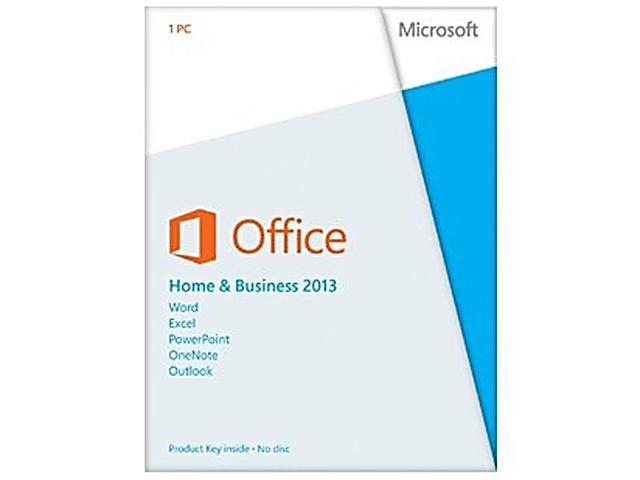
Sẵn hàngBH 0 tháng
Microsoft Office Home and Business 2013 Product Key Card – 1 PC
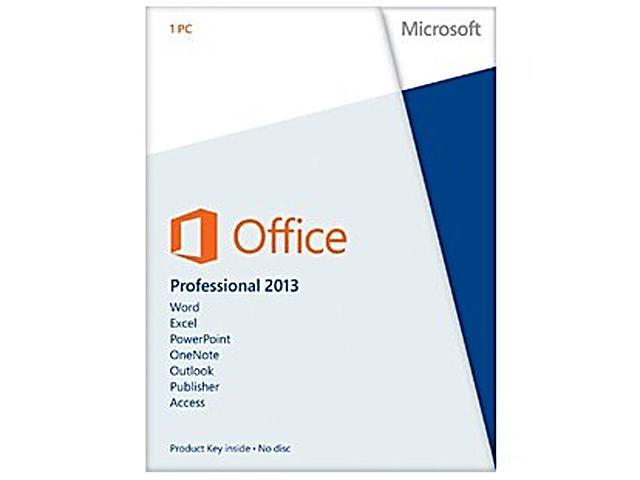
Sẵn hàngBH 0 tháng
Microsoft Office Professional 2013 Product Key Card – 1 PC

Sẵn hàngBH 0 tháng