

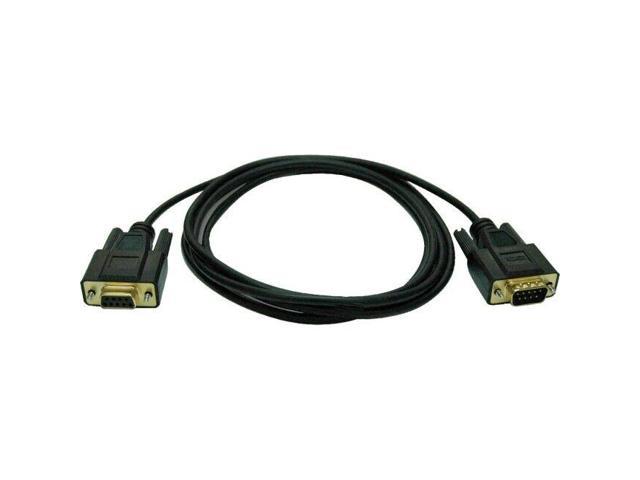
For Corsair RGB Fan (4-pin) to Asus Aura/MSI Mystic Light A-RGB Adapter Cable
SKU: 9SIB7DVJ2R0888Thương hiệu: ASUS
Còn hàng· Giao hàng sau 3 ngày
297.960 ₫
Giá chưa gồm VAT 8% · Đã gồm VAT: 321.797 ₫ / sản phẩm
Điện ước tính: 86 kWh/tháng · ~280.800 ₫/thángTính TCO chi tiết
Tạm tính: 297.960 ₫
Bảo hành 36 tháng
Chính hãng
Giao sau 3 ngày
Toàn quốc
Hỗ trợ kỹ thuật
24/7 qua hotline
Hoá đơn VAT
Đầy đủ, đúng hạn
Mua càng nhiều, giá càng tốt
| Số lượng | Đơn giá | Tiết kiệm |
|---|---|---|
| 1–2 máy | 297.960 ₫ | — |
| 3–9 máy | 289.021 ₫ | −3% |
| từ 10 máy | 280.082 ₫ | −6% |
Giá trên chưa gồm VAT. Đơn từ 20 máy trở lên hoặc kèm dịch vụ triển khai, gọi 1900 636 106 để có mức riêng.
Máy lắp vừa linh kiện này
tham khảo theo thông số trên tên hàngMô tả sản phẩm
For Corsair RGB Fan (4-pin) to Asus Aura/MSI Mystic Light A-RGB Adapter Cable 1) This adapter only works with a Lighting Node Core or RGB Fan LED Hub. It will not connect to a Ligthing Node Pro or for Commander Pro (though they may control the Fan Hub. ) It also will not work for new Commander Core that comes for Capellix AIO coolers. 2) If your device does not have its own power source, you need to make sure that the current draw on a single Hub or Lighting Node Core is limited to approximately 4.5A ( 22.5W ).
This will come out to roughly 120 RGB LEDs. However you may need to check the specifications of any LEDs that you connect. If you exceed the limit, you may overload the SATA power connector. 3) You’ll have to configure your devices in iCue based on the number of LEDs. You can choose from HD (12 LEDs), LL (16 LEDs), ML (4 LEDs), SP-PRO (8 LEDs), QL (34 LEDs) fans or RGB Strips (10 LEDs). Do not configure them as SP-RGB fans! You’ll need to count the number of LEDs on your devices and then configure the lighting channel to have the same (or slightly greater) number of LEDs.
4) This will not allow you to control your motherboard or GPU LEDs. Those aren’t controlled by connecting wires. This will only control 5V Addressable RGB LEDs. 5) This will not allow you to control 12V (4-pin) analog LEDs. They operate on a different protocol and are incompatible. You can use for Solarity Tech ArrRGB DAC to control 12V (4-pin) analog LEDs.
Specifications: Brand new and premium quality
Voltage: 5V
Cable length: 25cm
Wiring: 5V3Pin
A-RGB Packing includes: 1 x Conversion cable 1 x Male 3Pin socket
Learn more about the Detailed Specifications
| Best Seller Ranking | #5 in Power Splitter Cords |
|---|
| Date First Available | July 24, 2022 |
|---|
Anonymous
Ownership: 1 month to 1 year
Verified Owner
iCue fan control of non Corsair fans!6/9/2022 2:52:10 AM
Pros: Can control almost any single ARGB fan with 4, 8, 12, 16, or 34 LEDs from iCue as a fan.
Cons: A bit expensive for just an adapter cable.
Overall Review: If you don’t want like 7 RGB software running on your system and you opt for iCue but have non Corsair ARGB fans then this is a must. One adapter per fan as long as the fans have 4, 8, 12, 16, or 34 LEDs.
If you have ARGB strips or built in case ARGB then opt for the 3 pin version.
Just remember that the 4 pin version is for fans and the 3 pin is for strips when checking your Corsair lighting controller hardware.
Điểm nổi bật
- You’ll have to configure your devices in iCue based on the number of LEDs
- This will not allow you to control your motherboard or GPU LEDs
- This will not allow you to control 12V (4-pin) analog LEDs
Sản phẩm tương tự
Khách hàng cũng xem
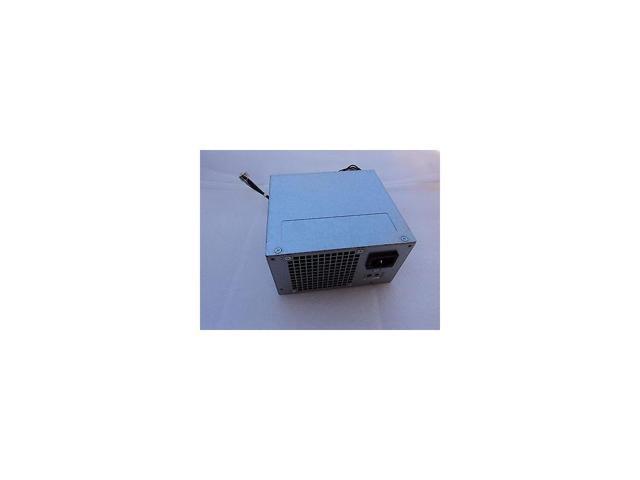
Sẵn hàngBH 36 tháng
Dell 776Vt Dell 290 Watt Power Supply For Optiplex 7020 9020 Tower
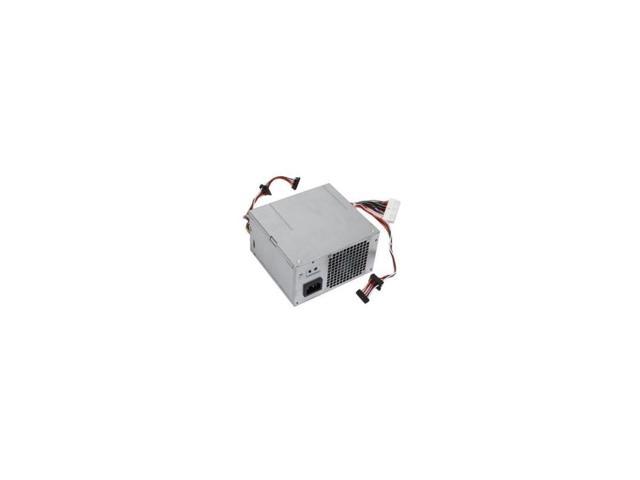
Sẵn hàngBH 36 tháng
Dell 09D9T1 Dell 265 Watt Power Supply For Optiplex 790 990 Mini Tower
Sẵn hàngBH 36 tháng