
Adapter cable For Corsair RGB Fan (4-pin) to Asus Aura/MSI Mystic Light Addressable RGB
SKU: 9SIB4D1JES3790Thương hiệu: ASUS
Còn hàng· Giao hàng sau 3 ngày
260.715 ₫
Giá chưa gồm VAT 8% · Đã gồm VAT: 281.572 ₫ / sản phẩm
Điện ước tính: 86 kWh/tháng · ~280.800 ₫/thángTính TCO chi tiết
Tạm tính: 260.715 ₫
Bảo hành 36 tháng
Chính hãng
Giao sau 3 ngày
Toàn quốc
Hỗ trợ kỹ thuật
24/7 qua hotline
Hoá đơn VAT
Đầy đủ, đúng hạn
Mua càng nhiều, giá càng tốt
| Số lượng | Đơn giá | Tiết kiệm |
|---|---|---|
| 1–2 máy | 260.715 ₫ | — |
| 3–9 máy | 252.894 ₫ | −3% |
| từ 10 máy | 245.072 ₫ | −6% |
Giá trên chưa gồm VAT. Đơn từ 20 máy trở lên hoặc kèm dịch vụ triển khai, gọi 1900 636 106 để có mức riêng.
Máy lắp vừa linh kiện này
tham khảo theo thông số trên tên hàngMô tả sản phẩm
1) This adapter only works with a Lighting Node Core or RGB Fan LED Hub. It will not connect to a Ligthing Node Pro or for Commander Pro (though they may control the Fan Hub. ) It also will not work for new Commander Core that comes for Capellix AIO coolers. 2) If your device does not have its own power source, you need to make sure that the current draw on a single Hub or Lighting Node Core is limited to approximately 4.5A ( 22.5W ). This will come out to roughly 120 RGB LEDs.
However you may need to check the specifications of any LEDs that you connect. If you exceed the limit, you may overload the SATA power connector. 3) You’ll have to configure your devices in iCue based on the number of LEDs. You can choose from HD (12 LEDs), LL (16 LEDs), ML (4 LEDs), SP-PRO (8 LEDs), QL (34 LEDs) fans or RGB Strips (10 LEDs). Do not configure them as SP-RGB fans! You’ll need to count the number of LEDs on your devices and then configure the lighting channel to have the same (or slightly greater) number of LEDs.
4) This will not allow you to control your motherboard or GPU LEDs. Those aren’t controlled by connecting wires. This will only control 5V Addressable RGB LEDs. 5) This will not allow you to control 12V (4-pin) analog LEDs. They operate on a different protocol and are incompatible. You can use for Solarity Tech ArrRGB DAC to control 12V (4-pin) analog LEDs.
Specifications: Brand new and premium quality
Voltage: 5V
Cable length: 25cm
Wiring: 5V3Pin
A-RGB Packing includes: 1 x Conversion cable 1 x Male 3Pin socket
Learn more about the Detailed Specifications
| Best Seller Ranking | #2 in Power Splitter Cords |
|---|
| Date First Available | June 11, 2022 |
|---|
This was the final component to fully complete my Corsair RGB build! 😀9/8/2022 3:51:12 PM
Pros: – Allows non-Corsair ARGB devices to connect to Corsair Lightning Node CORE and iCUE Commander CORE
– Comes 3-Pin Male-to-Male ARGB adapter (this was needed as ARGB devices are female and connect to a male Header/adapter
– Shipping had excellent tracking that kept me up to date with status/location of my order
Cons: – shipping took some time (but overall it arrived sooner than projected ETA)
– I suppose if you wanted to connect this to a Lighting Node PRO or Commander PRO, this won’t work; you need to 3-Pin for PRO and 4-Pin for CORE (I really like that this was called out in a picture on the item’s listing; That made it really easy for me)
Overall Review: I looked all over for this specific cable and was only able to find the (3-pin) variant in most places. Didn’t feel great about buying it off the marketplace but the tracking was very transparent about where it was at all times and it arrived sooner that I originally expected. Worked perfectly. We wanted to plug the ARGB connector on a Radeon GPU into a Corsair Lighting Node CORE. Worked like a charm and able to control the RGB in iCUE with the rest of the fans ^_^
Điểm nổi bật
- Packing includes:1 x Conversion cable1 x Male 3Pin socket
Sản phẩm tương tự
Sẵn hàngBH 36 tháng
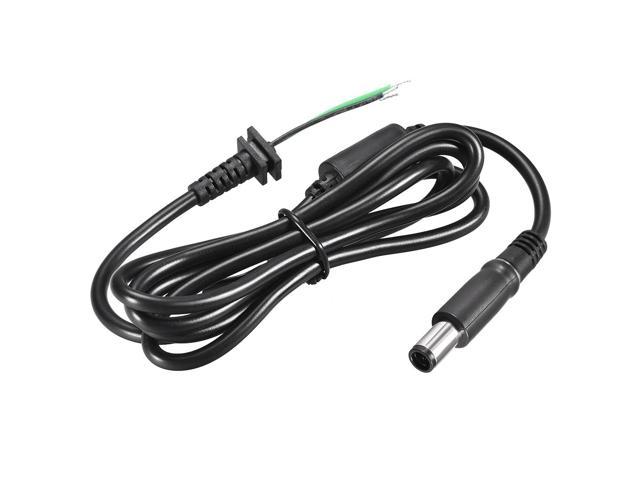
1.8M/4FT 7.4mm x 5.0mm Male Plug DC Power Adapter Cable Cord
Khách hàng cũng xem
Sẵn hàngBH 36 tháng
SuperMicro H11SSL-I – supports single EPYC 7000-Series Processor Motherboard

Sẵn hàngBH 36 tháng
*NEW* Supermicro SYS-6018R-TD 1U Server wtih X10DRD-L Motherboard
Sẵn hàngBH 36 tháng
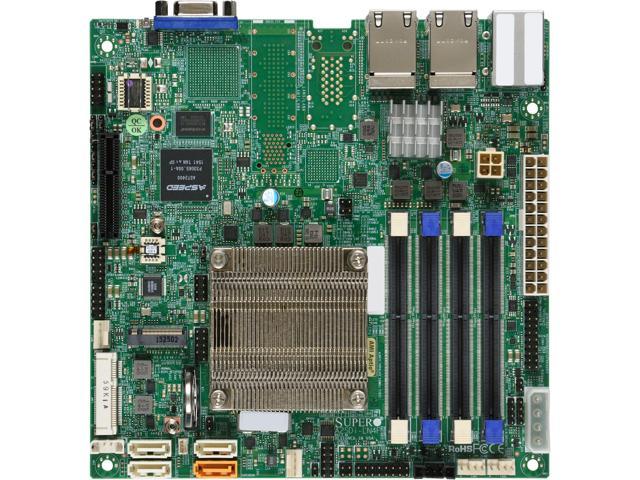
SUPERMICRO MBD-A2SDI-LN4F-O Mini ITX Server Motherboard